
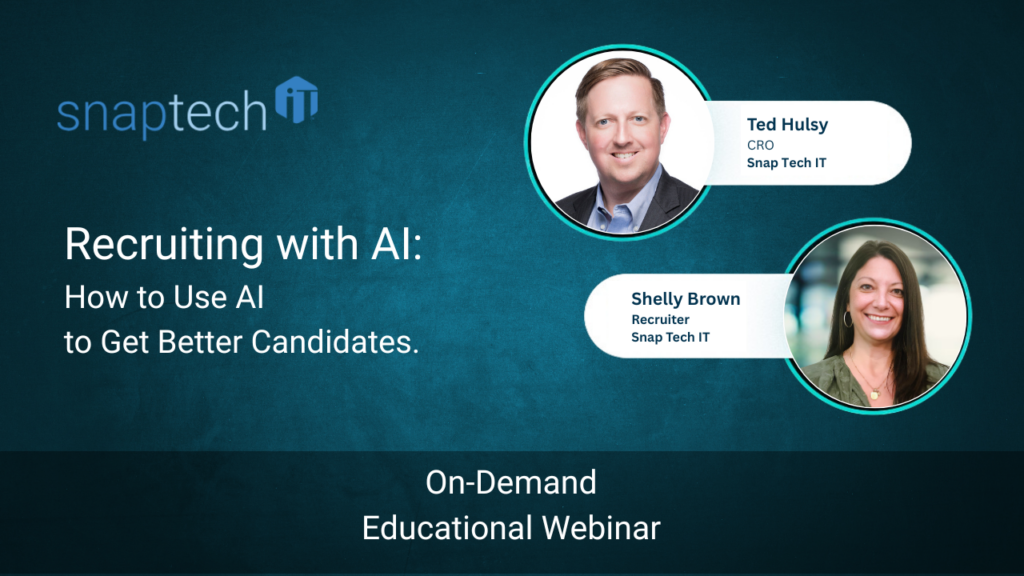
How to Use AI for Recruiting Better Candidates
Every business leader needs to be strategic and effective with recruiting because the future of the business depends on it. The right hire can improve service, strengthen culture, and move growth forward. The wrong hire costs time, money, and momentum. That is exactly why AI is becoming such a valuable recruiting tool: not to replace human judgment, but to help leaders hire with more speed, clarity, and consistency.
So, how should companies actually use it?
What is AI recruiting?
AI recruiting is the use of tools like Microsoft Copilot, ChatGPT, or built-in AI features in hiring platforms to support tasks such as writing job ads, screening applicants, summarizing interviews, and improving recruiter workflows. Platforms like Google Workspace also position AI as a way for HR teams to save time on recruiting tasks such as drafting job descriptions and streamlining communication.
AI helps recruiting teams handle high application volume, improve the quality of hiring questions, and reduce repetitive administrative work.
How can AI improve candidate screening?
One of the biggest hiring problems is not too few applicants. It is too many wrong ones.
A single recruiter may review hundreds of resumes each week, with many applicants clearly unqualified. AI helps by analyzing job ads, identifying vague language, recommending stronger keywords, and even creating qualifying questions that make candidates prove they have done the work.
That matters because mass-apply behavior is real. Better wording and better screening questions can reduce noise before a recruiter wastes time on the wrong phone call.
Can AI help write better job descriptions?
Absolutely. This was one of the clearest use cases from the session.
AI can take rough job responsibilities and turn them into a cleaner, more targeted ad. It can strengthen titles, tighten language, emphasize in-office requirements, and add sections like “this job is not right for you” to discourage poor-fit applicants. That is especially helpful for growing companies that need better results without spending hours rewriting postings from scratch.
The key is specificity. The better your prompt, the better your output.
How do you use AI to create better interview questions?
AI is especially powerful when it helps recruiters ask sharper questions.
Instead of relying on generic interview prompts, use AI to generate role-specific screening questions and, just as important, red flags to listen for in the answer. That gives recruiters a better way to test real experience, not just confidence or a polished resume.
For technical or niche roles, this can be a major advantage. It helps hiring teams uncover whether a candidate has actually handled the work, can explain their process, and fits the pace and expectations of the role.
What are the risks of using AI in recruiting?
AI should support decisions, not make them alone.
The EEOC has warned that employers can still be liable if AI tools contribute to discrimination in hiring, and federal agencies have jointly emphasized that automated systems can create bias and compliance risks if they are not used carefully. (EEOC)
That is why the human element still matters. AI can improve speed and structure, but recruiters still need to evaluate culture fit, communication style, judgment, and long-term alignment.
Where should business leaders start?
Start with the most repetitive parts of recruiting: job ads, screening questions, interview summaries, and internal handoffs. Those are the places where AI can create immediate gains.
The biggest lesson from this transcript is simple: use AI to make your recruiting process better, not colder. Let it save time. Let it improve consistency. But keep people in charge of the final call.
Recruiting is too important to get wrong and it is too important to run inefficiently. Embracing AI securely with the right team training is the best path forward to stronger recruiting success.
Ready to take the next step in your AI journey?
Schedule a call with Snap Tech IT map out an AI strategy that ensures security and training for your teams.
Watch the full webinar here:

Nathan Caldwell
Marketing, Snap Tech IT