
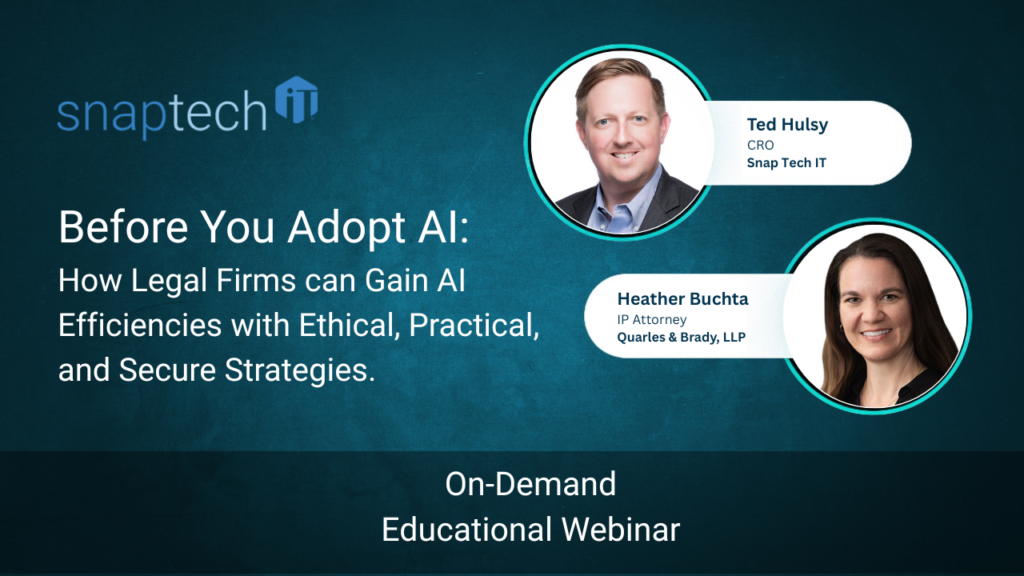
Key AI Considerations for Legal Firms to be Safe, Ethical, and Practical:
6 Key AI Cautions and 5 Key AI Uses
AI is showing up in every legal conversation—partners are asking about it, clients are asking about it, and staff are already experimenting with it. The opportunity is real: faster drafting, easier review, and better internal workflows. The risk is also real: confidentiality exposure, privilege issues, vendor gaps, and ethical missteps that can become tomorrow’s headline.
Let’s review the 6 key AI considerations legal firms should address first, then we’ll give you 5 key AI uses you should be embracing in you law practice.
1. Start with the right mental model: AI is software, not a lawyer
Generative AI tools (Copilot, Claude, ChatGPT, and others) don’t “think.” They predict the next word based on probabilities. That’s why they can sound confident—and still be wrong. For attorneys, this matters because professional judgment can’t be outsourced to a tool. If AI is involved in legal work, the lawyer remains responsible for accuracy, quality, and compliance.
Practical takeaway: Treat AI output like a first draft from a non-lawyer assistant—useful, but never final without review.
2. Ethical obligations don’t go away—AI adds new ways to violate them
Lawyers already manage confidentiality, competency, candor to the tribunal, supervision of non-lawyers, and client communication. AI introduces new failure points inside those same duties.
- Competency: If you use AI, you need to understand how it works, where it fails (hallucinations, bias), and how to verify outputs.
- Supervision: AI is a “non-lawyer” contributor. If it drafts, summarizes, or suggests citations, attorneys must validate the work before it leaves the firm.
- Candor and accuracy: Submitting AI-generated content without checking sources is where firms get burned—especially with hallucinated case citations.
Practical takeaway: Build an “AI verification habit”—citations checked, quotes confirmed, and legal conclusions reviewed by an attorney.
3. Confidentiality and privilege hinge on where the AI runs
One of the biggest risks is entering sensitive client information into a public AI tool. Many consumer/public tools may store prompts, create logs, or use inputs to improve models (depending on settings and terms). That can jeopardize confidentiality—and in some scenarios, privilege.
Practical takeaways:
- Do not paste client-identifiable data into public AI tools.
- Use enterprise-grade AI configurations that are designed to keep data within your firm’s controlled environment and governed by your agreement and security controls.
- If you’re unsure what your licensing and settings actually do, assume it’s not safe.
4. Client expectations: some demand AI, some forbid it
Firms are seeing a split: some clients want efficiency and expect modern tools; others prohibit AI outright through outside counsel guidelines or policy. Either way, your firm needs a clear stance and a way to comply per client.
Practical takeaway: Add AI usage language to matter intake or engagement workflows: what tools are allowed, what data can be used, and when client consent is required.
5. Vendor management is now a frontline malpractice issue
Many breaches originate with third-party vendors. AI is no different. A vendor can claim “secure” in marketing—while the contract says nothing about security obligations, incident response timelines, liability, or data use.
Practical takeaway: Before approving an AI tool, confirm:
- Security controls and independent assessments (not just self-attestations)
- Data handling: storage, retention, training use, and access
- Contract protections: breach notification, indemnities, audit rights, and meaningful
6. Cybersecurity has to be culture, not a checklist
AI expands the attack surface: more tools, more data flows, more chances for accidental disclosure. The fix isn’t a single setting—it’s ongoing training and consistent guardrails.
Practical takeaway: Strengthen the basics that prevent “simple” incidents: phishing training, MFA, endpoint protection, secure identity management, and clear policies for approved tools (to reduce Shadow AI).
Now that you understand the cautionary considerations, here are:
5 Key AI Uses You Should Embrace in Your Firm:
AI can be a productivity multiplier when used responsibly. Many firms start with safer internal tasks and scale from there:
1. Proofreading and clarity improvements (with non-identifiable text)
2. Comparing versions of documents and spotting inconsistencies
3. Summarizing long internal materials
4. Drafting marketing blurbs, presentations, and client communications
5. Meeting prep and “research confirmation” (then verify in Westlaw/Lexis)
Use AI—but don’t let it represent you in the court of law.
AI can absolutely make law firms faster and more responsive, but the winning approach is disciplined: protect confidentiality, verify outputs, manage vendors, and align tool usage with client expectations. When firms put those guardrails in place, AI becomes a practical advantage—not a professional liability.
The key mindset is to use AI to speed up your efforts but always check and edit the output. AI doesn’t have a law degree or reputation on the line, you do.
If your firm is exploring Copilot or other AI tools and wants to do it safely—without risking privilege, client trust, or compliance—schedule a call with Snap Tech IT. We’ll help you assess your AI readiness, lock down data pathways, and build a secure, ethical framework for adoption.
Want help building a safe, practical AI rollout for your legal practice?
Schedule a meeting with Snap Tech IT. We’ll map the right use cases, the right guardrails, and guide your team to adopt powerful AI skills.
Watch the full webinar here:

Nathan Caldwell
Marketing, Snap Tech IT