
What is Copilot Home?
How To Navigate the Newest Features of Copilot's Interface
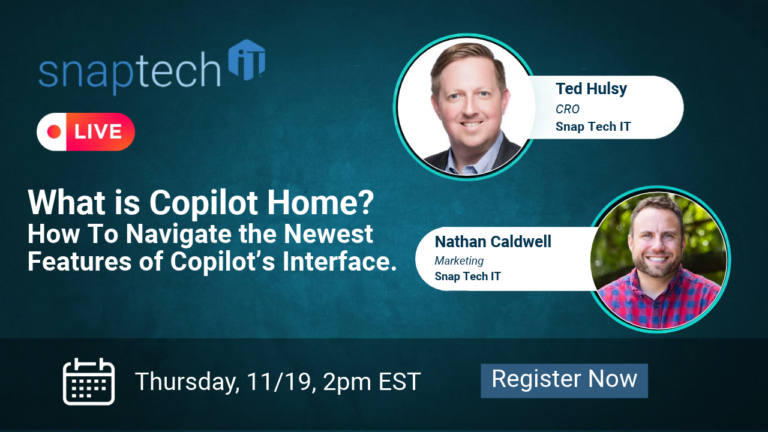
Microsoft Copilot continues to evolve, introducing new features designed to make AI more accessible and useful for everyday work. But what is Copilot Home, and how can you make the most of its newest interface features?
In this webinar, we’ll explore Copilot Home and walk through its latest features, showing you how to navigate the interface and use its capabilities more effectively. You’ll see practical demonstrations and learn how Copilot can help you streamline everyday tasks, find information, and improve productivity.
Whether you’re just beginning to explore Microsoft Copilot or already using AI in your daily workflow, you’ll leave with practical tips and actionable ideas to help you get more out of Copilot.
Key Takeaways:
- What is Copilot Home, and what does it offer?
- How to navigate the newest features of Copilot’s interface.
- How to access and use Copilot’s key features more effectively.
- How Copilot can help simplify everyday tasks and workflows.
- Practical ways to use Copilot to save time and improve productivity.
Register now for this webinar, What is Copilot Home? How To Navigate the Newest Features of Copilot’s Interface
About our Hosts:
Host: Ted Hulsy, CRO, has over 20 years of experience serving in leadership roles in the technology field, with companies such as Sonicwall, Axcient, and Dropbox.
Co-Host: Nathan Caldwell, Marketing Expert, has over a decade of leadership experience in pivotal marketing roles for software companies such as ConnectWise, and Arctic Wolf. Nathan is also a leadership keynote speaker.