
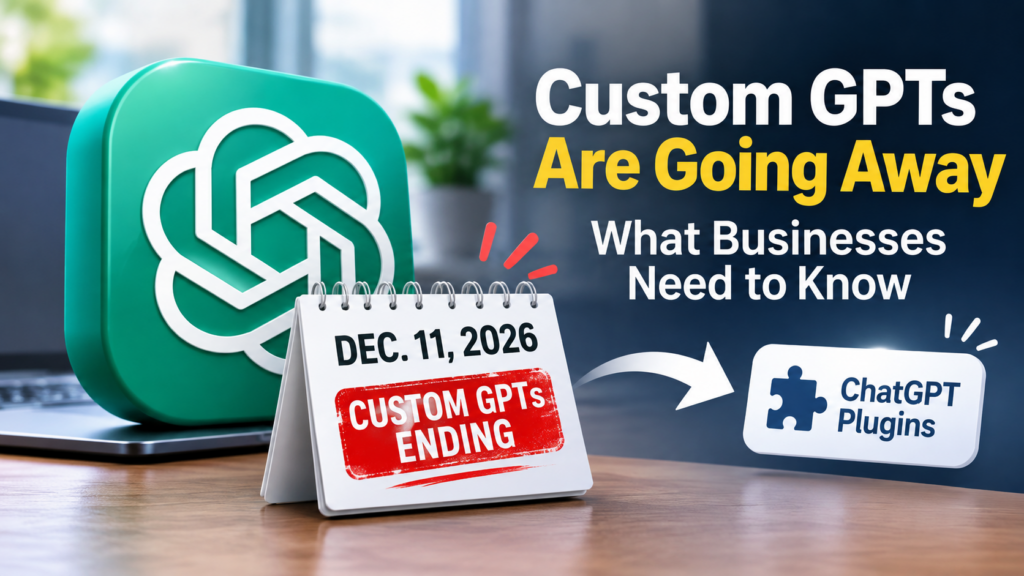
Custom GPTs Are Going Away December 11: What Businesses Need to Know
If your employees rely on Custom GPTs to write content, analyze documents, or streamline workflows, December 11, 2026, is an important deadline. OpenAI is retiring Custom GPTs and moving toward plugins.
For business leaders, the priority is to understand what will change, protect existing workflows, and prepare employees before productivity suffers.
Are Custom GPTs Going Away December 11, 2026?
Yes. OpenAI has announced December 11, 2026, as the scheduled retirement date for Custom GPTs across ChatGPT plans.
Some FedRAMP and qualifying Enterprise workspaces have until February 11, 2027. Migration availability and permissions vary by account.
Existing GPTs remain usable until their applicable retirement date. After retirement, previous conversations remain accessible, but the GPT itself will no longer operate.
Business takeaway: Identify which GPTs your team depends on now.
What Is Replacing Custom GPTs in ChatGPT?
OpenAI is transitioning users toward plugins, which combine reusable instructions, reference files, and connected applications.
Previously, a Custom GPT might have handled marketing content, employee onboarding, or customer support.
With plugins, businesses can preserve specialized instructions as reusable skills while connecting approved applications.
The goal is more flexible AI workflows, but businesses shouldn’t assume every feature will function identically.
Will My Custom GPT Instructions and Files Transfer?
OpenAI’s migration process can transfer several important elements:
- Instructions become reusable plugin skills.
- Knowledge files become plugin reference files.
- Connected apps can become part of the plugin.
However, custom actions connecting GPTs to external systems do not automatically migrate.
Selected model preferences also won’t transfer. Organizations should test outputs and integrations carefully.
For manufacturers, insurance agencies, healthcare practices, and law firms, these differences can affect important workflows involving confidential information.
How Do I Migrate a Custom GPT to a Plugin?
When migration becomes available for your account:
- Open My GPTs in ChatGPT.
- Select the GPT you created.
- Choose Migrate to plugin.
- Review the transferred instructions and files.
- Test the plugin before sharing it with employees.
Migration uses the latest published GPT version, so finalize important changes beforehand.
Migrated plugins initially remain private. Administrators and creators must review sharing and installation permissions.
If you don’t see the migration option, check your account or workspace notices.
What Should Businesses Do Before December 11?
For companies with 10–200 employees, a practical transition plan can prevent disruption.
Start with these five actions:
- Inventory your GPTs. Identify who created them, who uses them, and their business purpose.
- Prioritize critical workflows. Focus first on tools supporting daily operations or customer services.
- Review security. Evaluate sensitive data, connected applications, and employee permissions.
- Test replacements. Compare plugin results against established GPT workflows.
- Train employees. Explain how to access approved plugins and recognize unexpected behavior.
Businesses using custom API integrations should allow additional time for rebuilding and validation.
This is also an opportunity to strengthen AI governance, especially where employee experimentation has outpaced company policies.
Are ChatGPT Plugins Better and More Secure for Businesses?
Plugins may offer greater flexibility by combining AI instructions with business applications. However, additional connectivity creates responsibilities.
Companies should implement appropriate access controls, review third-party integrations, and maintain human oversight for sensitive decisions.
Security matters particularly in regulated industries where confidentiality, compliance, and accuracy are essential.
At Snap Tech IT, we believe technology should solve problems, not create them. The transition should improve workflows without introducing unnecessary risk.
Prepare Your Business for the ChatGPT Changes
The December 11 transition isn’t just a software update. It’s an opportunity to assess how your company uses AI, strengthen security, and protect productivity.
Snap Tech IT helps businesses implement AI strategically and securely.
Schedule an AI strategy call with Snap Tech IT to discuss your Custom GPT migration, evaluate potential risks, and build a practical plan for using ChatGPT plugins confidently.

Nathan Caldwell
Marketing, Snap Tech IT