
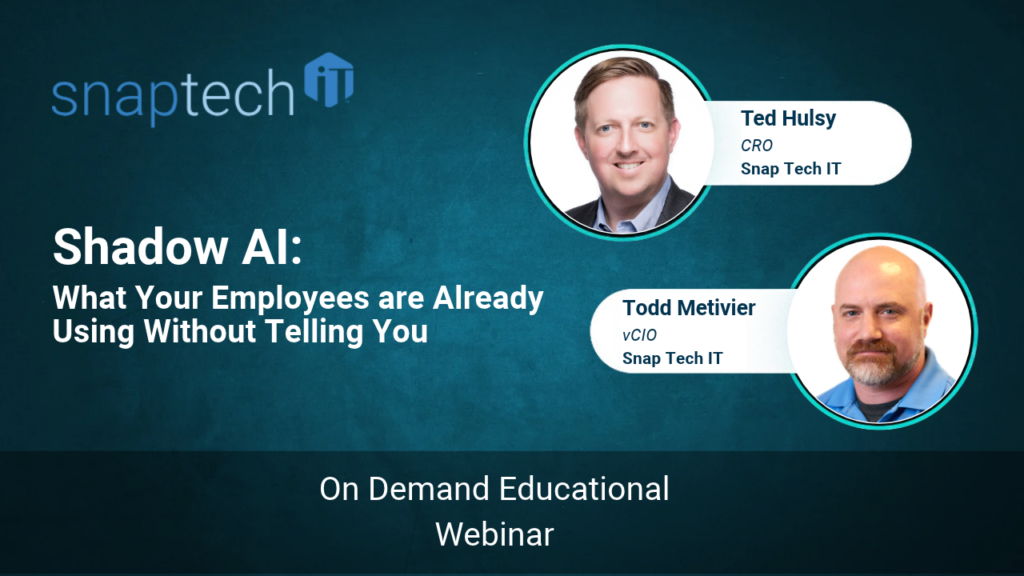
Shadow AI: What Your Employees Are Using Without Telling You
Your employees are probably using artificial intelligence at work more than you realize. They’re drafting emails, analyzing spreadsheets, summarizing documents, and finding ways to complete tasks faster.
The problem isn’t that they’re using AI. It’s that you may have no idea which tools they’re using, what information they’re sharing, or where that information ends up.
This is called Shadow AI, and understanding it is an important step toward protecting your business while improving productivity.
What Is Shadow AI in the Workplace?
Shadow AI refers to artificial intelligence tools employees use for work without the knowledge or approval of IT or company leadership.
It happens across nearly every department:
- Sales teams use AI to draft proposals.
- Finance teams analyze spreadsheets.
- HR departments create job descriptions.
- Executives summarize reports and documents.
Sometimes these tools are free chatbots. Other times, they’re browser extensions, meeting assistants, or AI features built into existing software.
Here’s what business leaders need to understand: Shadow AI usually isn’t malicious. It’s productive.
Your employees are trying to work smarter. However, if your company doesn’t provide approved tools, clear guidance, or do the work to properly secure and appropriately assign or restrict proper privilege to your teams, your people will find their own solutions.
Why Is Shadow AI a Security Risk?
Consider an employee who uploads a customer contract into a free AI chatbot to generate a summary.
The employee saves time. But depending on the platform’s privacy settings and terms, that confidential information could be retained or used in ways the business never approved.
For healthcare organizations, law firms, insurance agencies, and manufacturers, that creates serious concerns around confidentiality, compliance, and intellectual property.
There are operational risks, too.
AI can generate inaccurate information that employees unknowingly include in proposals or customer communications. Business knowledge stored in personal AI accounts may disappear when employees leave.
The risk isn’t simply using AI. It’s using AI without knowing where your information goes or how it’s protected.
How Can Businesses Identify Shadow AI?
Start with visibility, not punishment.
Ask employees which AI tools they’re using and what problems those tools help them solve. An anonymous survey can encourage honest responses.
Next, work with your IT team or managed service provider to examine network activity, browser extensions, and connected applications.
AI discovery tools can help identify services employees access and whether company files are being uploaded.
This isn’t about watching employees. It’s about understanding risks that leadership currently cannot see.
Once you know which tools are being used, categorize them by the information they access: public, internal, confidential, or regulated.
Should Companies Ban AI Tools?
Don’t ban AI outright.
A complete ban often pushes employees toward personal devices and accounts, making their activity even harder to monitor.
Instead, provide a secure, approved alternative.
Business-grade AI platforms, properly configured, can offer stronger privacy protections, administrative controls, and auditing capabilities than unmanaged personal accounts.
However, paying for a business license isn’t enough.
Before introducing AI broadly, review your existing file permissions. If employees have unnecessary access to payroll records, HR documents, or sensitive contracts, AI may make that information easier to discover.
Get your house in order before expanding AI access.
What Should an Employee AI Policy Include?
An effective AI policy doesn’t need to be complicated. In fact, a clear, one-page document is often more useful than something employees won’t read.
Your policy should explain:
- Which AI tools are approved, restricted, or prohibited.
- What company or customer information employees cannot share.
- Who reviews AI-generated content before it reaches customers.
- How employees request approval for new tools.
That final point matters more than many leaders realize.
A slow “no” is often how Shadow AI begins.
Give employees a practical way to request new technology and receive timely decisions.
How Can Businesses Manage Shadow AI Long-Term?
Technology alone won’t solve this challenge. Your team needs training, leadership, and ongoing guidance.
A great way to boost effective AI engagement is for businesses to identify employees who are already experimenting successfully with AI. Make them champions who help others learn approved tools and workflows.
Then create a manageable improvement plan: discover current usage, establish policies, provide training, and monitor results.
Review your approved tools regularly because AI capabilities change quickly.
At Snap Tech IT, we believe technology should solve problems, not create them. Shadow AI is an opportunity to put that philosophy into practice.
You don’t need to stop employees from innovating. You need to give them a safer way to do it.
If you’re unsure which AI tools your employees are using or whether your business information is protected, schedule a call with Snap Tech IT. We can help you assess Shadow AI exposure, establish practical safeguards, and build a secure AI adoption strategy that supports your team’s productivity.
Watch the full webinar here:

Nathan Caldwell
Marketing, Snap Tech IT